Who is it for?
Businesses spending too much time on repetitive data entry, content updates or transferring information between systems.
If your business needs more than a website — such as structured data, automated updates or reliable internal workflows — I design and build practical web tools around the way you work.

Copying product or offer data between tools? Managing a growing set of records in spreadsheets? Struggling with an admin interface nobody wants to use? A custom system makes sense when a conventional website or plugin no longer fits how your business works. I start by understanding the process and the movement of data before choosing the technical solution.
Related guides and case studiesThe challenge behind Ildiana Tours was more than the appearance of a travel website. Offers from multiple partners needed to be organised, refreshed regularly and presented in a way visitors could actually navigate.
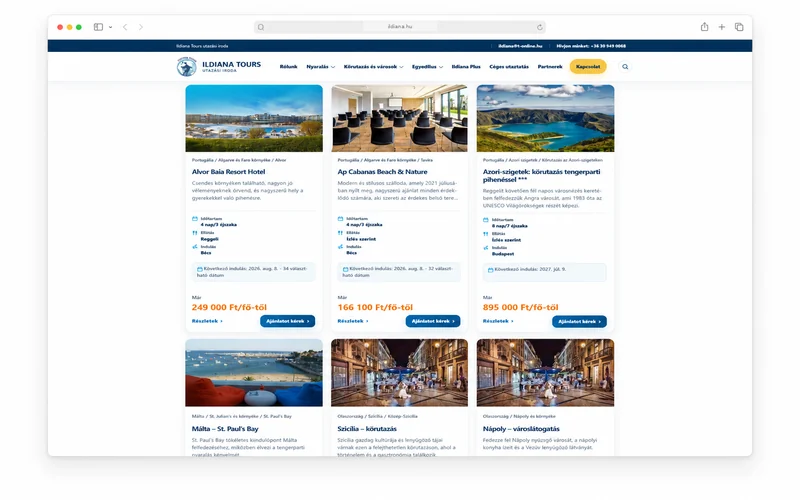 Ildiana Tours / custom systems
Content, data and automation behind a working website
A concrete example of how a visitor-friendly interface connects to the data workflows behind it.
Read the case study →
Ildiana Tours / custom systems
Content, data and automation behind a working website
A concrete example of how a visitor-friendly interface connects to the data workflows behind it.
Read the case study →
Businesses spending too much time on repetitive data entry, content updates or transferring information between systems.
Custom admin dashboards, database-backed features, partner feed imports, tailored forms and automated workflows.
We map the current process, data sources and people using the system before defining the development scope.
Agreed routine tasks can be automated so less time goes into copying and re-entering information.
Bring data sources, statuses and refresh schedules into a clearer structure.
The interface is shaped around the actual people using it, rather than an overload of unnecessary options.
You may not need a full rebuild: the right custom feature can extend a website that already works.
Understand what happens today and where work can genuinely be simplified.
Design around the everyday tasks of the people who use the system.
Where appropriate, leave room for new data sources and features later on.
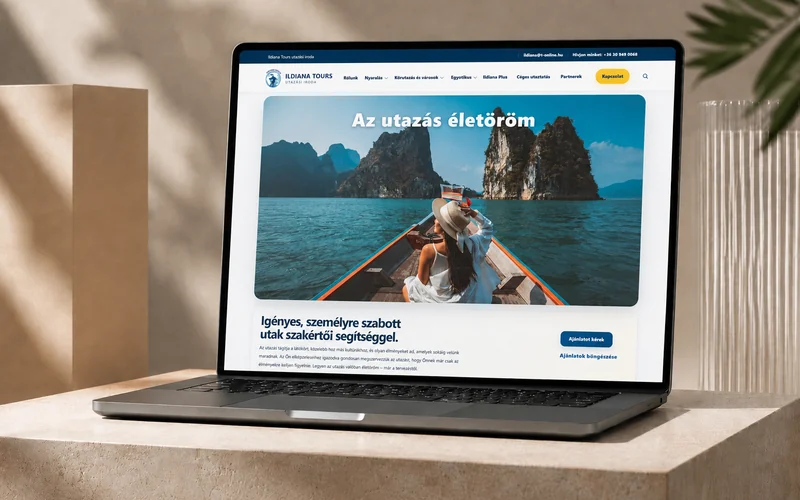
Partner data, a large catalogue of travel offers and scheduled updates supported by a tailored management workflow.
Case study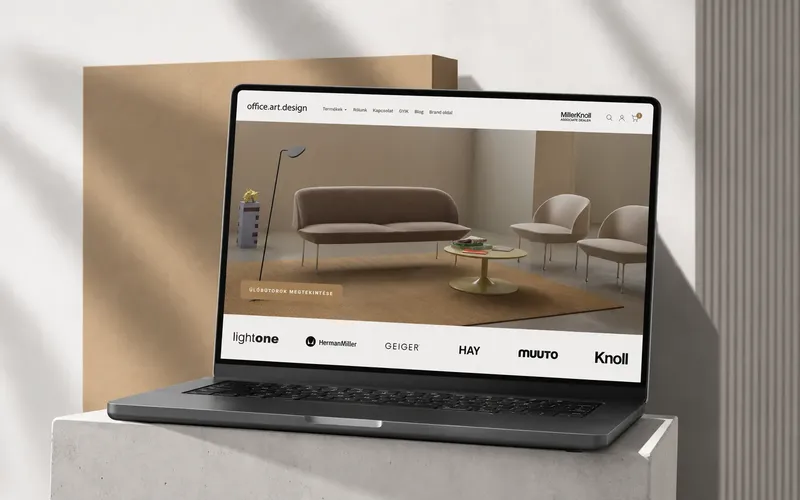
An active Shopify store with tailored product layouts and ongoing refinements.
Case study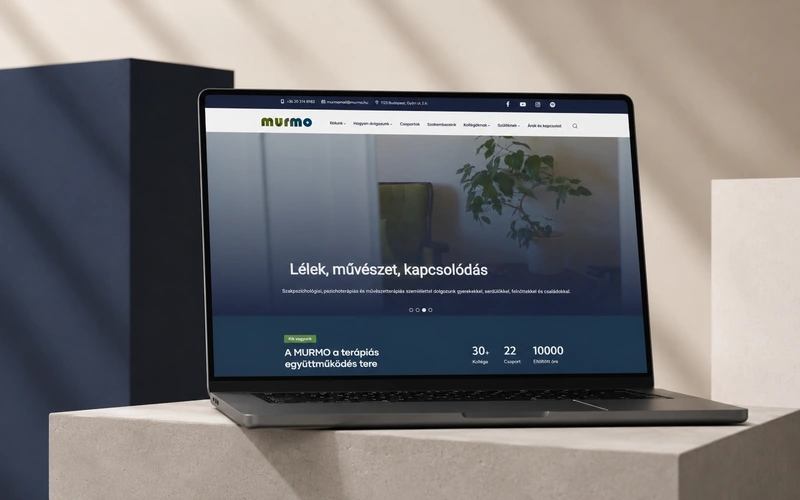
A content-rich website shaped around specific editorial and interface requirements.
PortfolioWe review your current workflow, users and the data sources the new system will depend on.
We define what the system should do, which data it handles and how the key actions fit together.
I develop the interface and logic, then test the key use cases and error handling.
I walk you through the system, with the option of later improvements or ongoing support.
You do not need to arrive with a technical specification. A clear description of your current bottleneck is enough to start.
A business website mainly presents information. A custom web system can also manage data, perform actions, integrate external services or automate internal workflows.
Often, yes. I first check the existing technology and architecture before deciding whether an extension is practical.
Yes, provided the partner service and access permissions support it. Data format, update frequency and error handling are part of the planning process.
Pricing depends on features, data sources, integrations and testing needs. I provide a project-specific quote after a short discovery conversation.
We can plan for additional modules and data sources. The exact flexibility depends on the technology and the architecture chosen at the start.
Tell me how it works today, what is slowing your team down and which systems or data sources should connect. I will help define a sensible next step.